IPTV France Multi-Screen: Enjoy Together as a Family
22 juin 2026 · 10 min · The IPTV Team
IPTV France Multi-Screen: The Ideal Family Solution
A multi-screen IPTV subscription transforms your home into a universal streaming platform. No more arguing over what to watch: each family member can enjoy their preferred content on a different device, all with a single subscription. Whether on the living room Smart TV, bedroom TV, a Fire TV Stick in the kitchen, or a smartphone on the go, IPTV adapts to all your needs.
Multi-screen configuration is especially appreciated by modern families where each member has their own viewing habits. Parents can watch a movie in 4K in the living room, children can watch cartoons in their room, and a teenager can follow a football match on their smartphone, all simultaneously. For more on Smart TVs, check Samsung or LG.
Configuration on Samsung and LG Smart TVs
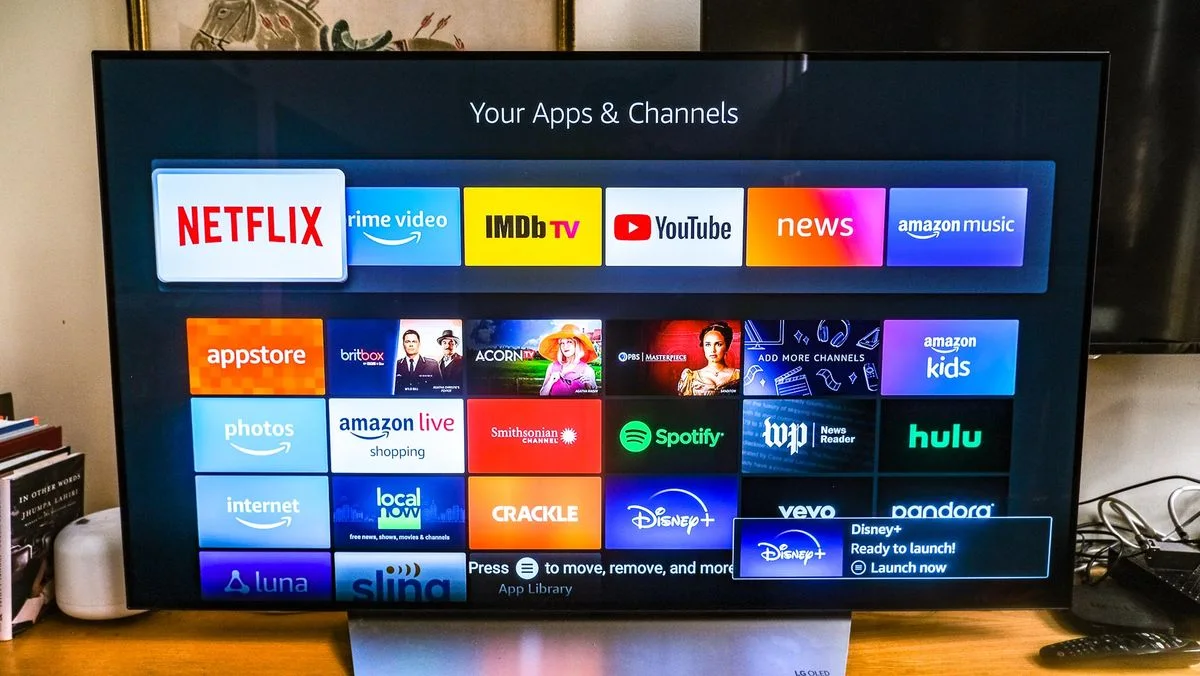
To configure IPTV on a Samsung or LG Smart TV, start by installing a compatible app like IBO Player, Smart IPTV, or TiviMate. On Samsung, go to the Samsung Smart Hub; on LG, to the LG Content Store. Search for the app, install it, then note the MAC address or activation code displayed on screen.
Next, log into your IPTV provider's customer area from a computer or smartphone. Enter your TV's MAC address, validate, and your channel list will load automatically. The advantage of this method is that it requires no credential entry on the remote control, which is very convenient.
Android TV, Fire Stick and Mobile Devices
On Android TV (NVIDIA Shield, Xiaomi Mi Box, Chromecast), installation is done via the Google Play Store. TiviMate is the most popular for its rich functionality. On Fire TV Stick, you can install TiviMate via sideloading or use Smart IPTV.
For smartphones and tablets, options are numerous: IPTV Smarters Pro for iOS and Android, GSE Player for iOS, or your provider's official app. Configuration is similar: enter your Xtream Codes credentials or M3U URL, and you have access to your channels anywhere. For more information, check Android.
A 2-screen IPTV France subscription at €89.99/year works out to just €3.33/month per screen — a significant saving compared to multiple separate subscriptions.
Optimization and Tips for Smooth Experience
For an optimal multi-screen experience, prioritize wired Ethernet connections for TVs. A minimum bandwidth of 25 Mbps is recommended for 4K, and 10 Mbps for HD. If using Wi-Fi, ensure you have a Wi-Fi 6 router and sufficient bandwidth.
Configure favorites on each device according to individual preferences: children get their cartoon channels, parents get sports and movies. Use user profiles if your app supports them. For technical advice, check ARCEP.
Ready to enjoy IPTV?