Best Devices for Your IPTV in France (2026)
5 juillet 2026 · 10 min · The IPTV Team
Which Device for Your IPTV?
IPTV works on almost everything: Smart TV, Android box, Fire Stick, Apple TV, smartphone and PC. The choice depends on your budget and performance needs.
Overview
Since the IP-box era launched in 2003, the market has exploded with app integration in Samsung, LG and Google TVs. No proprietary hardware needed: a simple app suffices.
Top 3 Recommendations
- Fire TV Stick 4K: unbeatable price, perfect to start.
- Apple TV 4K: performance and premium ecosystem.
- Nvidia Shield: for demanding users (gaming, 4K, NAS).
Quick Setup Guide
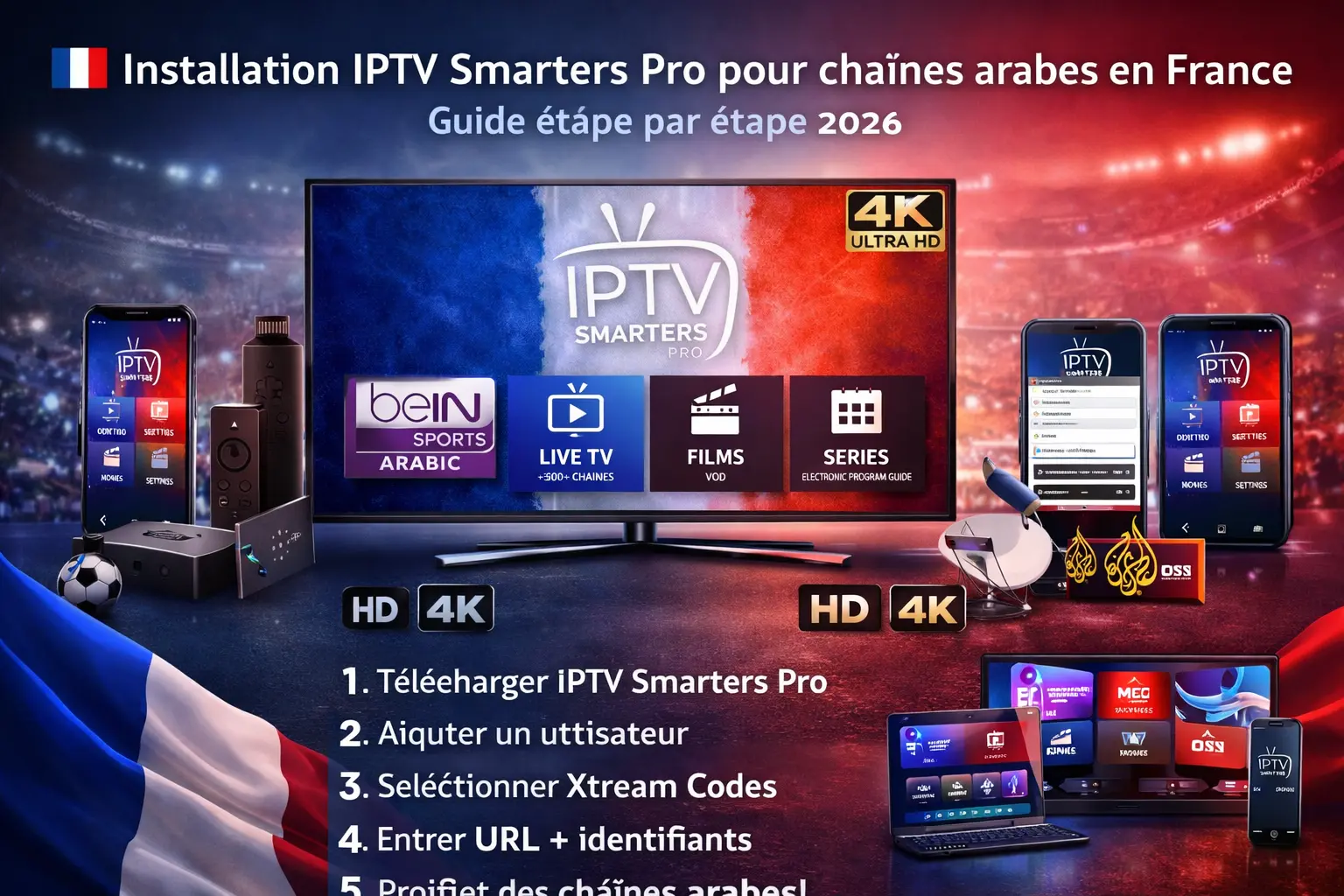
Download a compatible app (TiviMate, IPTV Smarters Pro, IBO Player), add your M3U playlist or configure Xtream Codes, and watch. In under 3 minutes your channels are loaded. For Apple TV, see Apple Support; for Fire Stick, Amazon.
The Fire TV Stick 4K remains the best value to discover IPTV, while the Apple TV 4K shines with its fluidity and ecosystem. Compare the available models on Amazon or directly at Apple.
For TVs, LG's OLED and Samsung's Neo QLED panels deliver the best HDR and Dolby Vision rendering. Explore the ranges on LG and Samsung before your purchase.
Choosing the right provider remains the first step to a successful experience. Beware of unproven promises and always ask for a free 24 to 72-hour trial before paying for several months. A reliable provider publishes its terms, offers French-language support and accepts traceable payment. Compare several offers and favour stability over a price that is too low: stream quality matters more than an immediate saving.
The security of your data and network comes first. Prefer a subscription with a money-back guarantee and clear terms, and avoid offers with no recourse. To check your connection, ARCEP provides useful tools, and the CNIL publishes resources on your digital rights. A good habit: read independent reviews and always test before committing long term.
The device choice mostly depends on your use. An Android TV box (Nvidia Shield, Xiaomi, Fire TV) offers the greatest freedom to install apps and the best 4K handling. A LG (webOS) or Samsung (Tizen) Smart TV suffices for simple native-app use. On mobile, iOS and Android apps let you watch on the go. For multi-screen, count one device per family member and check allowed simultaneous connections.
On hardware, prefer at least 2 GB of RAM and 8 GB of storage to avoid slowdowns. Wi-Fi 6 and gigabit Ethernet improve 4K stream stability. Dedicated MAG decoders remain popular for simplicity but limit features. Before buying, compare on the official Amazon, Apple and LG or Samsung manufacturer pages, and read real user feedback: a good screen deserves a good player to enjoy your subscription fully.
Before concluding, apply this five-point checklist: first verify that your priority channels (sport, cinema, international) appear in the list provided by the supplier. Then ask for a free 24 to 72-hour trial and test it on a match evening, the critical moment to judge real stability. Confirm the number of simultaneous screens allowed and the refund policy, then make sure French-language support is easy to reach. These precautions eliminate most bad surprises. Finally, read a few independent reviews and keep the order confirmation: a clear paper trail protects you if anything goes wrong. To go further, browse our complementary guides and take the time to compare calmly: a subscription chosen with method will accompany you for months, without interruption or stress, and at a perfectly controlled cost.
Conclusion
A good device + a stable subscription = a perfect experience. See our 4K guides and the subscriptions page.
Ready to enjoy IPTV?